

Claude Code, Codex, Cursor and the rest produce Markdown all day: drafts, plans, notes, reports. Reading them as raw text is tiring, and sending feedback back to the agent means copying paragraphs into a chat.
Markdown Mini closes that loop. Open the file, read it as a clean page, mark up what you want changed, save. Your comments are now part of the file, and the agent sees them on its next pass.
Read it as a document#
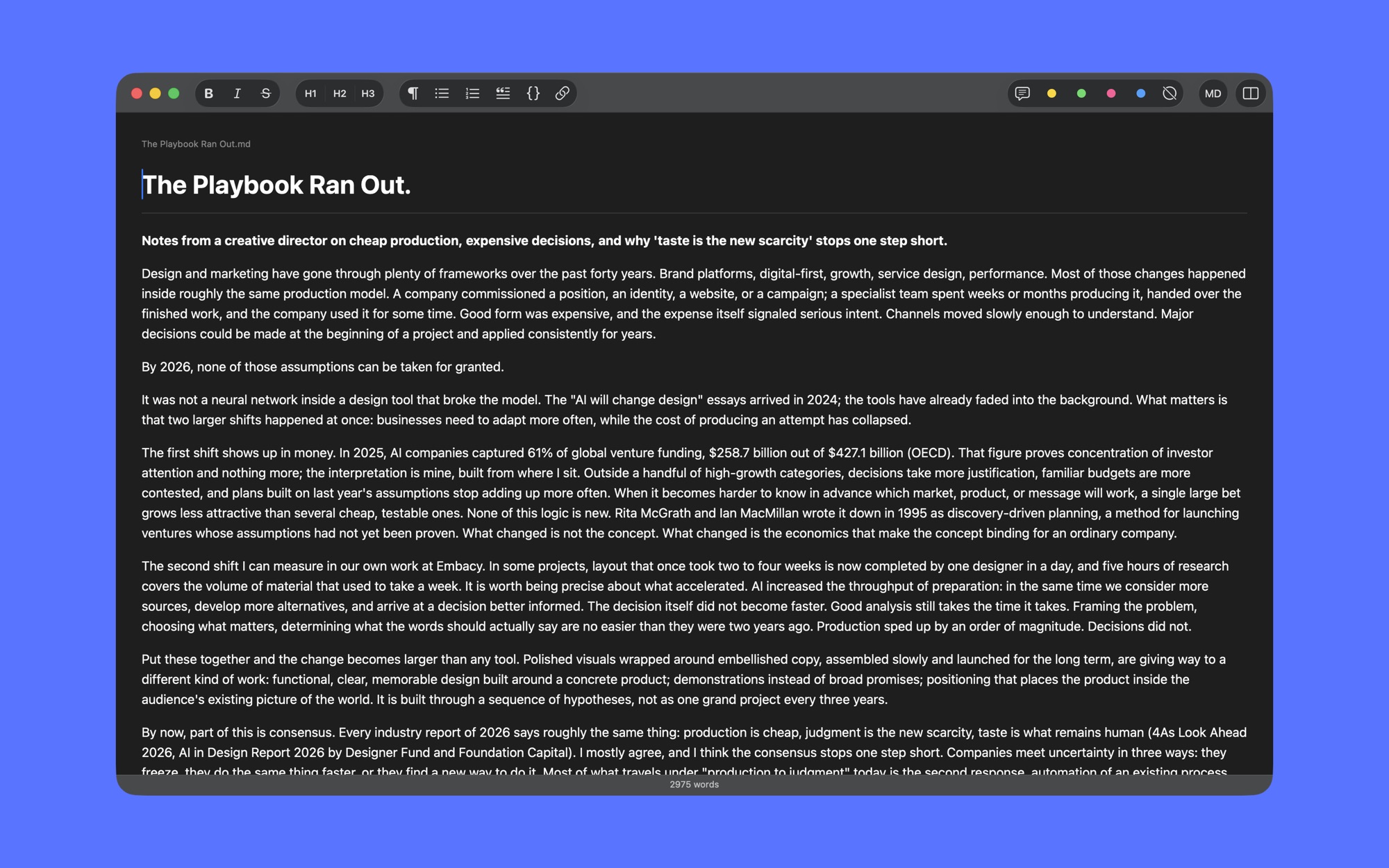
Headings, lists, quotes, code and links render as you type. There is no preview pane and no split between source and result. When you do want the raw Markdown, one click switches to it and back.
Comments live in the file#
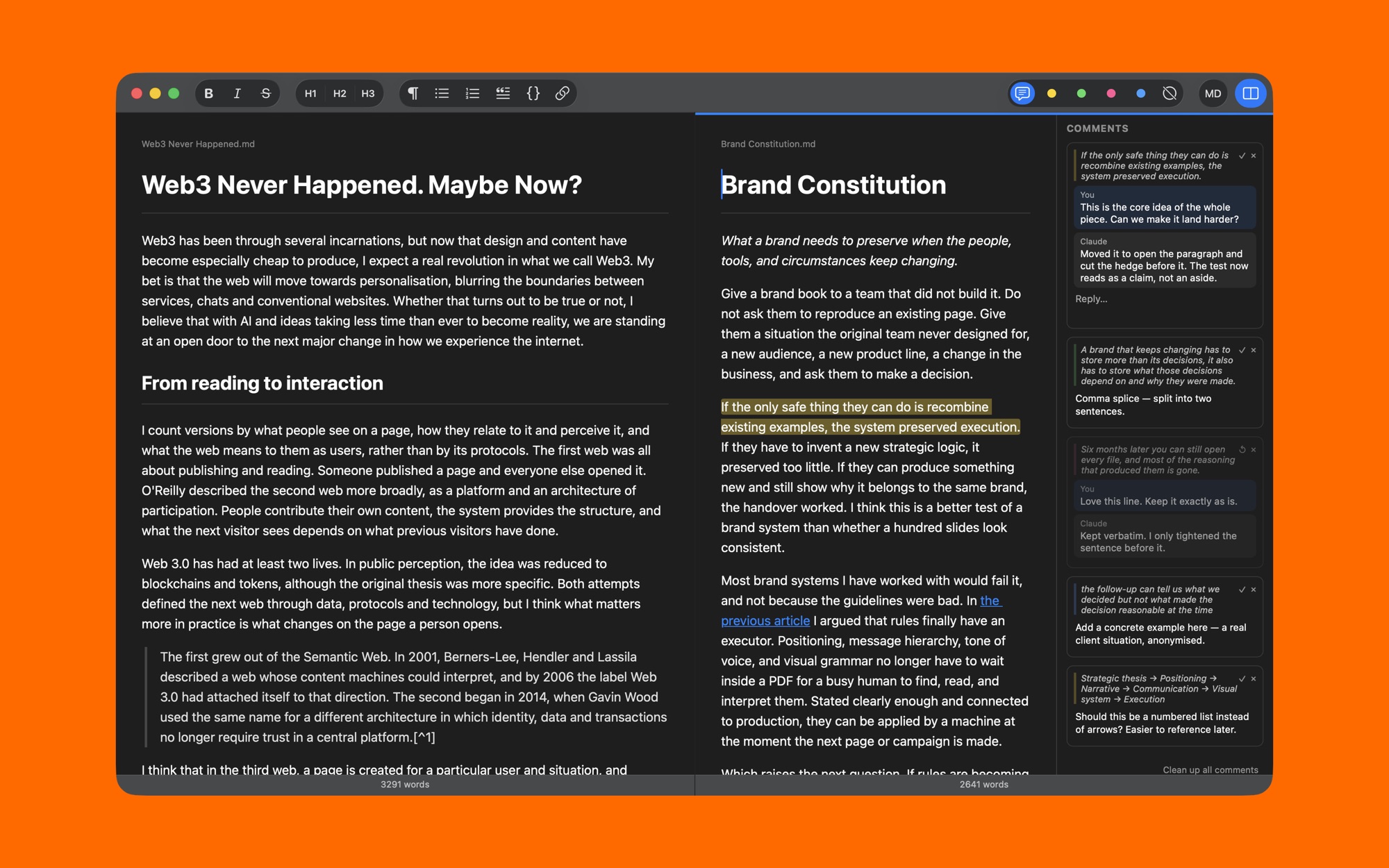
Select a passage and pick one of four marker colours. Every highlight opens a thread: write a note, get a reply, resolve it when it is done.
Highlights and threads are stored inside the .md file as plain HTML marks. Nothing is hidden in a database. Any agent that edits the file can read your notes, answer in the same thread and keep the marks in place. When you need a clean copy, Save Without Comments strips them all.
Two documents side by side#
Open a second file next to the first: a draft and its previous version, an article and its outline, two answers to the same question. Each pane has its own file, word count and comment panel.
Stays in sync#
When an agent rewrites the file on disk, the editor reloads it. Unsaved edits of your own are never overwritten.
Small by design#
Native macOS controls. Opens .md, .markdown and .txt from Finder, remembers recent files, works offline. No account, no sync service, no telemetry. Your files never leave your Mac.
Questions#
Which AI tools does Markdown Mini work with?
Any tool that edits files on your Mac: Claude Code, Codex, Cursor and others. Comments are stored as plain HTML in the .md file, so an agent reads them and replies in the same thread on its next pass. Paste the agent protocol into your tool’s instructions to show it the format.
Where are highlights and comments stored?
Inside the Markdown file itself, as <mark> tags that carry the thread. There is no database, no account and no sync service. Save Without Comments writes a clean copy with every mark removed.
What do I need to run it?
A Mac with macOS 13 Ventura or later. Markdown Mini is a one-time purchase on the Mac App Store, with no subscription.
Is there a version for Windows, iPhone or the web?
The app is for the Mac only. You can try the editor in your browser to see how highlights and comments work before you buy.
Does it collect any data?
No. Markdown Mini works offline, has no telemetry and never sends your files anywhere. See the privacy policy.